
For Judges
Getting Started
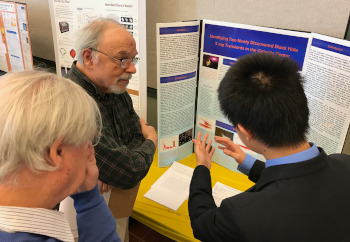
Looking to help out with the Mercer Science and Engineering Fair? If so, we can use your expertise as a judge. Send an email note to Bob Bushar, our judge coordinator and he can fill you in on the details.
Also, sign up for a Fair Judge account. You will need the account as part of the judging process. If you check the schedule on the home page you will see the day for judging interviews (these will be done via Zoom for 2022) and judges have access to the applications the week prior.
The links below will get you started depending upon what you need to do and what you may or may not know about our events.
- Our Fairs and Events - information about our competitions
You may also want to:
- Register for a competition - all active events are listed here
- Sign up for an account - you need an account on this site to be a judge
- Contact us - when in doubt, we can be reached via phone and email
A Quick Judge Overview
All judges should sign up for an account on this website. Please include contact information including your phone number. Ignore the school field since this is for students and teachers. As part of the account creation process you may indicate that you want to be a Judge (the other option is teacher). The account creation is automatic but the judge approval is done manually so it may take us a little while (a day or two at most) to respond. Contact Bob if you do not get a response or have issues creating an account.
Once you have been approved as a judge you can enter additional information when you log in. This information is about your background and what types of projects you can judge. Please enter this information as soon as possible because we use it for assigning judges just before the fair. You should also indicate if you can judge this year. Normally this will be the only item you need to change after your first year of judging.
Judges will also have access to all the research plans and abstracts for projects entered in the fair. This will allow judges to prepare before they arrive at the fair.
More Resources
This section provides information how judges can use this website works.